 x
BI Consulting Services
x
BI Consulting Services
Site & AI-Search Scorecard
x
BI Consulting Services
Site & AI-Search Scorecard
A short, friendly read on how the Williamsburg Landing website performs for search engines and for the AI assistants that families increasingly ask first. The news is good: the hard part, real content that genuinely answers questions, is already written. The opportunity is in how it is served.
01 / THE SCORE
Six components, each scored against its own maximum. Nothing here is hidden: the six add up to the headline, and the arithmetic is printed below the bars so you can check it in a few seconds.
How to read itStrong foundation, with the points sitting in structured data and image delivery rather than in design or content.
02 / THE NUMBERS
Every figure below is a single pull, so treat it as a snapshot rather than a trend. The pattern it shows is consistent: the demand is arriving, and a lot of it arrives in question form.
Semrush Rank
315,117
Overall visibility position in the US database.*
Organic keywords
1,632
Terms the site currently ranks for.*
Organic traffic
5,278/ mo
Estimated monthly visits from search.*
Organic traffic cost
$9,710
What that same traffic would cost to buy.*
People Also Ask appearances
1,471
Question boxes the site already shows up in.*
AI Overview appearances
491
AI generated answers citing the domain.*
Local pack appearances
546
Map and local result placements.*
FAQ-markup keywords
0
Keywords served by FAQ structured data.*
Featured snippets
4
Direct answer boxes won.*
Paid keywords
4
Paid search is running, deliberately narrow.*
Paid traffic
124
Estimated monthly visits from paid.*
Domains in play
2
The .org carries the site, the .com redirects to it, and staff email sits on the .com. Worth a light tidy, nothing urgent.
* Semrush, US database, 1 October 2026. Community figures quoted on this page (153 wooded acres, founded 1985, eight independent living neighborhoods, 25,000 sq ft health club, 23,000 sq ft Community Center, 300-seat theater, assisted living apartments of 328 to 1,090 sq ft) are published on williamsburglanding.org.
03 / THREE FINDINGS
None of these are problems with the writing or the brand. They are all about the gap between what the site says and what a machine reading the site can pick up.
Families are clearly finding Williamsburg Landing through question shaped searches, and the pages genuinely do answer those questions. What is missing is the small layer of structured data that tells a search engine or an AI assistant: this paragraph is the answer to that question.
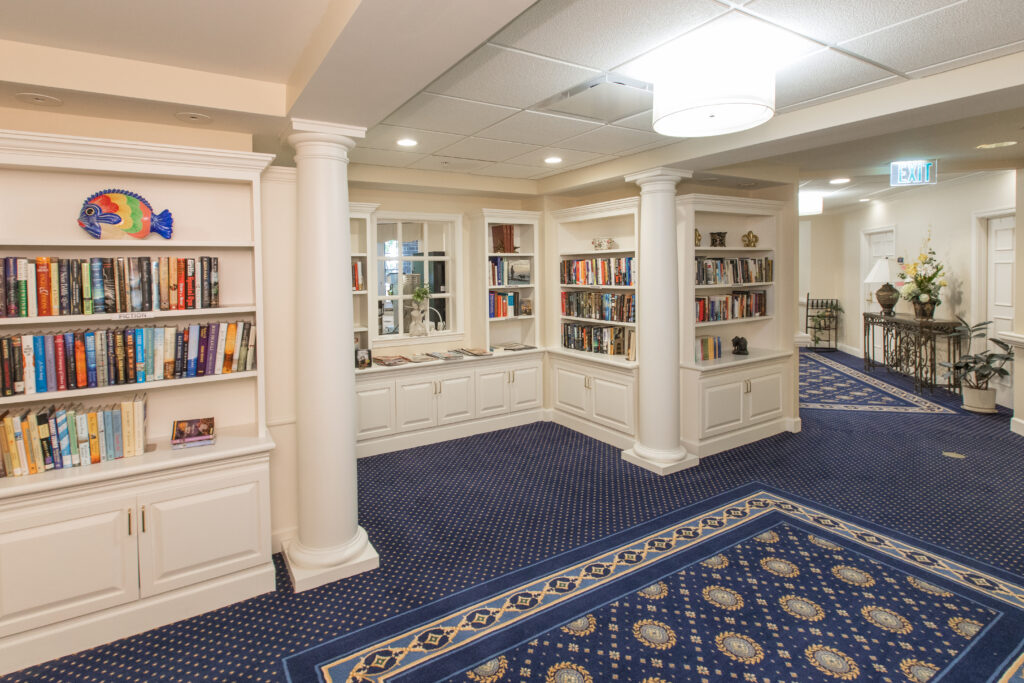
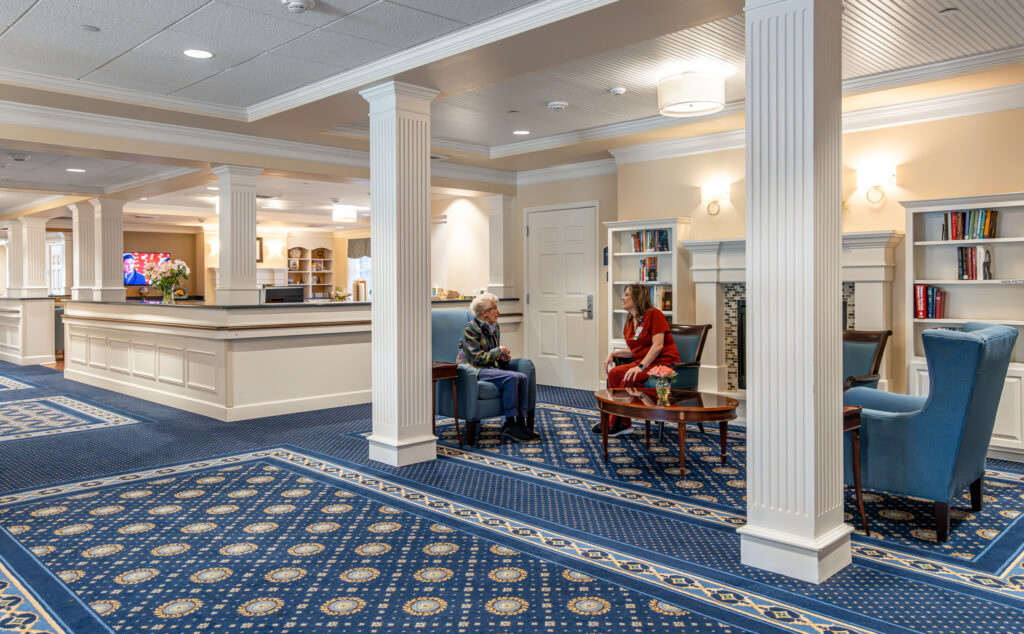
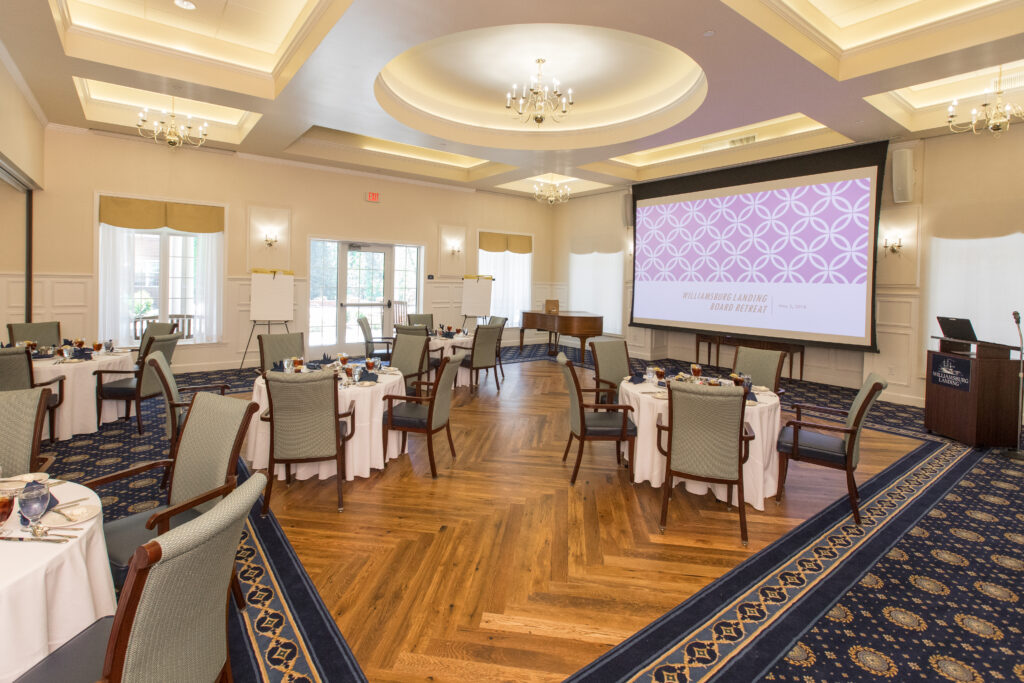
The campus photography is a real asset, and the interior pages already serve it properly. On two of the most visited entry pages the initial HTML carries a placeholder in place of the photograph, so the first thing a crawler or an AI assistant reads is a gray box rather than the grounds.
This is a strength, and it is the finding we would spend time on first. A great deal of qualified attention is arriving through local and organic results. The only thing missing is a view of which pages earn it, so the marketing conversation can be about evidence rather than impressions.
04 / NINETY DAYS
Deliberately ordered so the cheapest change with the widest reach happens first, and so nothing in a later phase depends on a rebuild.
Days 1 to 30
Add FAQPage structured data to the pages that already answer questions: assisted living, independent living, health services and costs. Map the top People Also Ask themes to the answers already on the page. No new copy required.
Days 31 to 60
Serve the real image URLs in the initial HTML on the homepage and the independent living page, keeping lazy loading in place. Add descriptive alt text while the files are open, so the photography reads as the campus it is.
Days 61 to 90
Build one page-level report tying local pack and organic entry pages to tour requests, so the marketing spend conversation has numbers behind it rather than instinct.
05 / SEE IT APPLIED
Each of these was built for Williamsburg Landing specifically, using your own published figures and your own photography.
Sample site
A full sample build showing FAQ markup, real image URLs in the initial HTML and a clear tour path, using your own photography.
Open the sample siteDashboard
A working, filterable dashboard showing how page-level reporting would answer finding three. Illustrative data, real structure.
Open the dashboardReview deck
A short PDF of this scorecard for circulating internally, with the subscores as an editable chart.
Download the deck